iPhone 16 Battery Draining Fast? 14 Proven Solutions
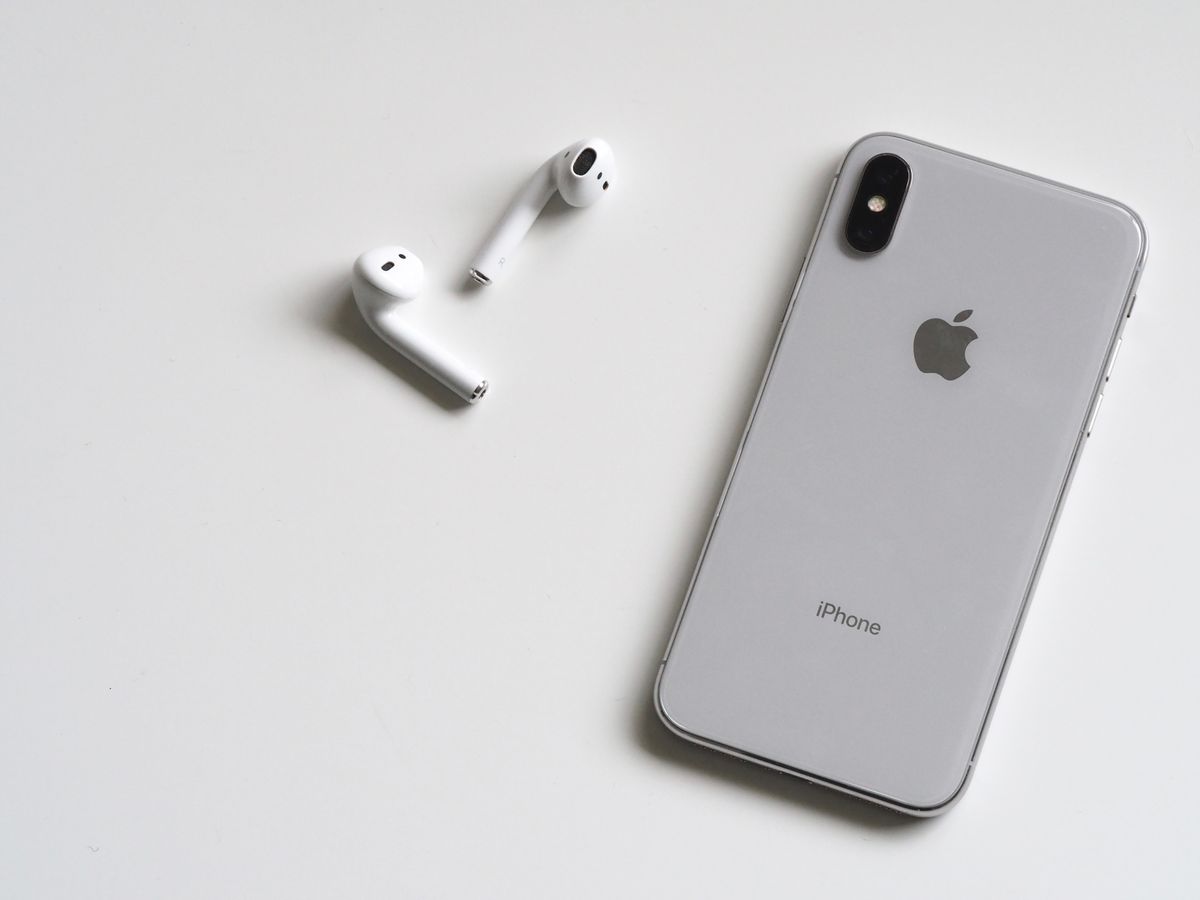
Battery drain frustrates iPhone 16 users. Maximize your battery with these 14 proven solutions.
Why iPhone 16 Battery Drains Quickly
- A18 chip demanding tasks
- 5G and WiFi 6E simultaneous use
- Background app refresh
- Location services always on
- Push email constant syncing
- Screen brightness too high
- iOS 18 bugs in early versions
14 Solutions for iPhone 16 Battery Drain
1. Enable Low Power Mode
Settings > Battery > Low Power Mode. Extends battery 1-3 hours daily.
2. Reduce Screen Brightness
Lower to 50% or use Auto-Brightness. Screen uses 30%+ of battery.
3. Turn Off 5G When Unnecessary
Settings > Cellular > Cellular Data Options > Voice & Data > LTE. 5G uses more power.
4. Check Battery Usage
Settings > Battery > Battery Usage. Identify apps using excessive power.
5. Limit Background App Refresh
Settings > General > Background App Refresh > Off for unused apps.
6. Disable Location Services
Settings > Privacy > Location Services. Turn off for apps that don't need it.
7. Turn Off Push Email
Settings > Mail > Account > Fetch New Data > Push Off. Use manual or scheduled fetch.
8. Update iOS
Battery optimizations in updates. Keep iPhone updated via Settings > General > Software Update.
9. Restart Weekly
Weekly restarts clear processes stuck in memory.
10. Reset Network Settings
Settings > General > Transfer or Reset > Reset > Reset Network Settings.
11. Reduce Motion
Settings > Accessibility > Motion > Reduce Motion. Reduces GPU usage.
12. Use Dark Mode
Settings > Display & Brightness > Dark. OLED screens use less power in dark mode.
13. Check for Problematic Apps
Delete apps that overheat or drain battery rapidly. Reinstall from App Store.
14. Battery Replacement
Settings > Battery > Battery Health < 80%. Consider Apple battery replacement.
Optimal Settings for Battery Life
- Auto-brightness: ON
- Low Power Mode: ON when below 50%
- Background refresh: Selective
- 5G: Auto (not always on)
- Dark Mode: ON
- WiFi: ON when available
FAQ
Q: Is it normal for iPhone 16 to drain 20% overnight? A: No. Normal drain is 2-5% overnight with normal usage. High drain indicates issue.
Q: Does iOS 18 drain battery more? A: Early versions may have bugs. Update to latest iOS 18 version.
Conclusion
iPhone 16 battery issues usually resolve with Low Power Mode and settings adjustments. Battery health below 80% needs replacement.
