Siri Not Working on iPhone? 11 Ways to Fix Voice Assistant
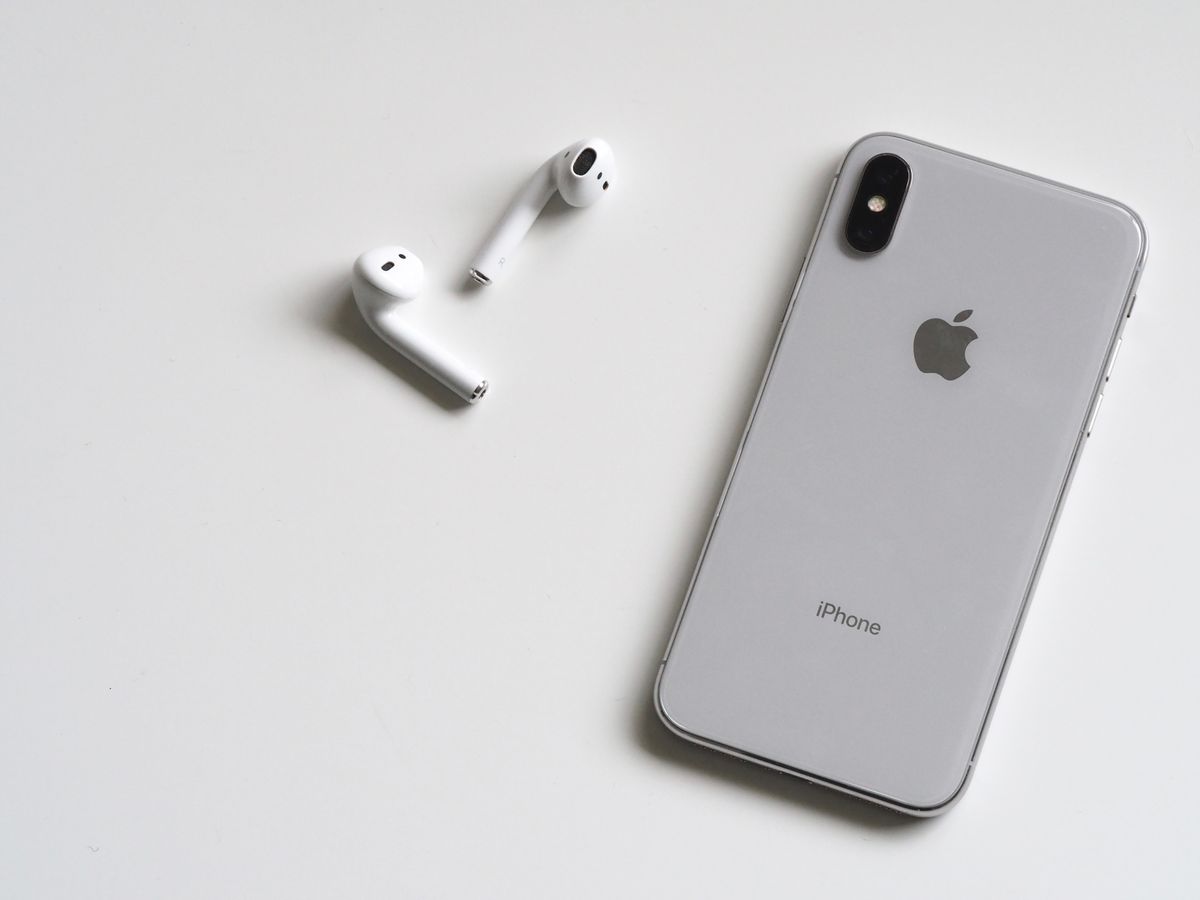
Siri should respond to your voice commands. When not working, this guide fixes all Siri issues.
11 Fixes for Siri Problems
1. Enable Siri
Settings > Siri & Search > Listen for "Hey Siri" > ON. Also enable "Press Side Button for Siri."
2. Retrain "Hey Siri"
Settings > Siri & Search > turn OFF "Hey Siri" > wait 10 seconds > turn ON > follow voice training.
3. Check Microphone
Make test call to verify microphone works. If mic broken, Siri can't hear you.
4. Disable Low Power Mode
Low Power Mode disables "Hey Siri." Settings > Battery > Low Power Mode > OFF.
5. Check Internet Connection
Siri needs internet. Verify WiFi or cellular connected.
6. Check Language Settings
Settings > Siri & Search > Language. Ensure correct language selected.
7. Enable Siri When Locked
Settings > Siri & Search > Allow Siri When Locked > ON.
8. Restart iPhone
Force restart: Volume Up, Down, hold Side button.
9. Update iOS
Settings > General > Software Update. Siri improvements in updates.
10. Reset All Settings
Settings > General > Transfer or Reset > Reset > Reset All Settings.
11. Check Restrictions
Settings > Screen Time > Content & Privacy Restrictions. Siri may be disabled.
Type to Siri
If voice doesn't work:
- Settings > Accessibility > Siri > Type to Siri > ON
- Backup method while troubleshooting
Frequently Asked Questions
Q: Why doesn't "Hey Siri" work? A: Disabled in settings, Low Power Mode active, microphone blocked, or needs retraining. Check all these.
Q: Why can't Siri hear me? A: Microphone issue, case blocking mic, or background noise. Test microphone in Voice Memos app.
Q: Does Siri work without internet? A: Limited. Basic functions offline, but most features need connection.
Conclusion
Most Siri issues from disabled settings or Low Power Mode. Check Siri enabled, retrain "Hey Siri," and disable Low Power Mode. Microphone problems require hardware troubleshooting.
